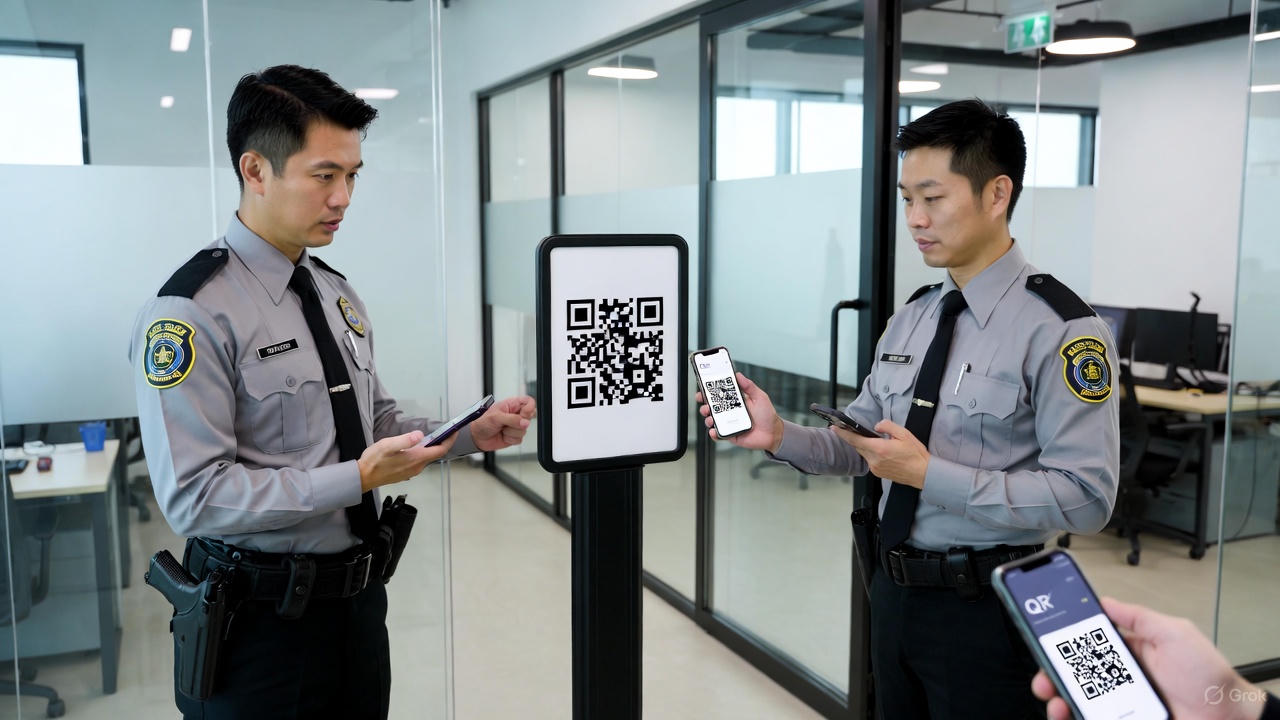
QR-Guard Training: A Complete Modern Guide for Security Teams
As organizations move toward digital transformation, traditional paper-based security systems are becoming outdated. Modern companies now use QR-Guard systems to ensure fast, accurate, and tamper-proof security operations.
But the system is only as effective as the team using it—which is why professional QR-Guard training is essential.
This guide covers everything from basic onboarding to advanced monitoring, helping security teams use QR-Guard with confidence and efficiency.
1. What Is a QR-Guard System?
The QR-Guard system is a digital security management solution designed to:
-
Track guard check-in and check-out
-
Monitor patrol routes through QR scanning
-
Generate automated attendance and activity reports
-
Record incidents in real time.
-
Provide live monitoring for supervisors
It eliminates fake duty entries, manual errors, and paperwork—creating a smart, transparent, and reliable security workflow.
2. Purpose of QR-Guard Training
The main goals of QR-Guard training are to:
-
Ensure guards can use the system confidently
-
Improve accuracy in reporting and scanning
-
Reduce mistakes during duty
-
Provide real-time, reliable data to admin teams
-
Upgrade guards from traditional to digital-ready security officers
A well-trained guard performs faster, smarter, and more professionally.
3. Training Levels (Beginner to Advanced)
Level 1: Basic System Introduction
This level introduces guards to:
-
What the QR-Guard system is
-
How to install and log in to the app
-
How check-in and check-out work
-
How to scan QR codes properly
-
Basic rules for using the device
Level 2: Practical Hands-On Training
Guards practice with real QR codes:
-
Performing check-in and check-out scans
-
Scanning patrol points accurately
-
Handling missed scans
-
Maintaining correct location accuracy
Level 3: Reporting & Alerts
This level is for guards and supervisors:
-
Creating incident reports
-
Adding photos or videos as evidence
-
Submitting emergency alerts
-
Viewing daily activity summaries
Level 4: Admin & Dashboard Training
For managers and administrators:
-
Using the admin dashboard
-
Viewing live guard tracking
-
Monitoring patrol routes
-
Generating monthly reports
-
Improving team performance
4. Detailed Training Modules
Module 1: Device Setup
-
App installation
-
Logging in securely
-
Battery and data management
-
Network settings
-
Device protection guidelines
Module 2: Proper QR Scanning
-
Keep the phone stable while scanning
-
Maintain 6–8 inches distance
-
Avoid reflections and poor lighting
-
Pause for 2 seconds at each checkpoint
-
Avoid double scanning
Module 3: Patrol Management
-
Following route order
-
Understanding random patrol checks
-
Reporting missed points immediately
-
Night patrol procedures
Module 4: Incident Reporting
-
Reporting suspicious activity
-
Fire/damage/theft reporting
-
Adding photos or voice notes
-
Recording time-sensitive events
Module 5: Attendance & Shift Tracking
-
Beginning-of-duty scan
-
Break scans
-
End-of-shift closing
-
Automatic alerts for delays
5. Training Duration
Most organizations complete full training in one day.
| Training Stage | Time Required |
|---|---|
| Basic Training | 2 hours |
| Practical Training | 3 hours |
| Reporting Training | 1 hour |
| Admin Training | 2 hours |
| Final Assessment | 30 minutes |
Total: 6–7 hours of complete system training
6. Final Assessment
At the end of the training, guards take a short evaluation:
-
10 multiple-choice questions
-
5 practical QR scans
-
1 sample incident report
Passing guards receive the QR-Guard Certification Badge.
7. Best Practices for Guards
To ensure professionalism and accuracy:
-
Start your duty with a fully charged device
-
Always keep the internet connection on
-
Scan checkpoints on time
-
Never skip patrol points
-
Protect the device from unauthorized access
-
Review your daily activity report
0 Comments
Be the first to share your thoughts on this post.